Pocket Option Login
signing in, registering & the app
Everything you need to reach your Pocket Option traderoom — logging in, the app, moving money in and out, and the free demo — written straight, with the downsides spelled out.
Every button here opens Pocket Option's own website. Some links on this page are affiliate links.
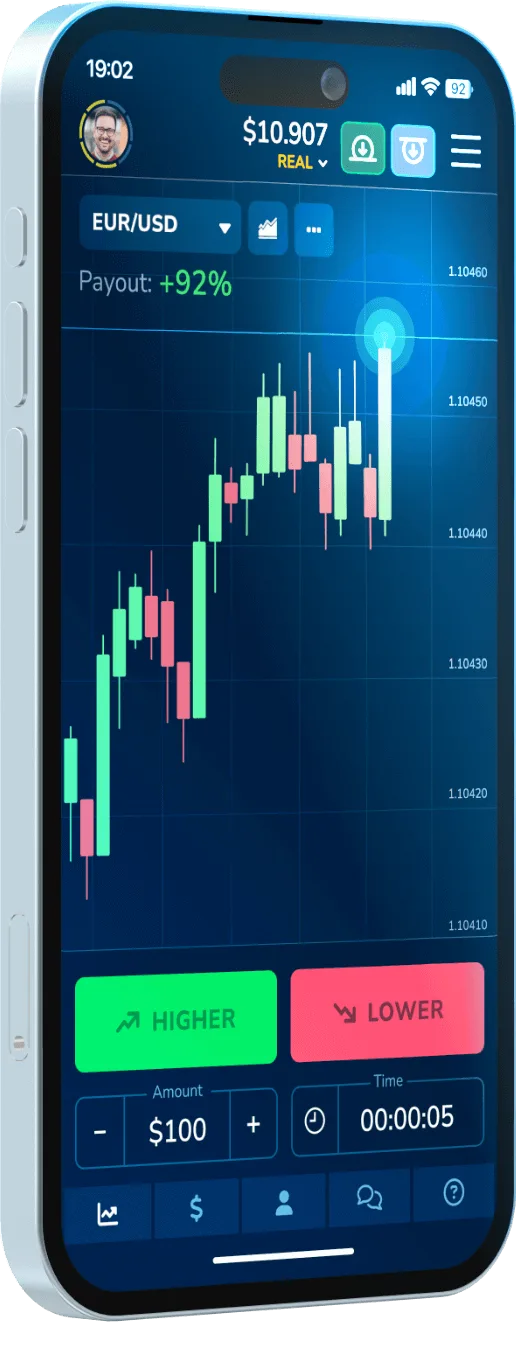
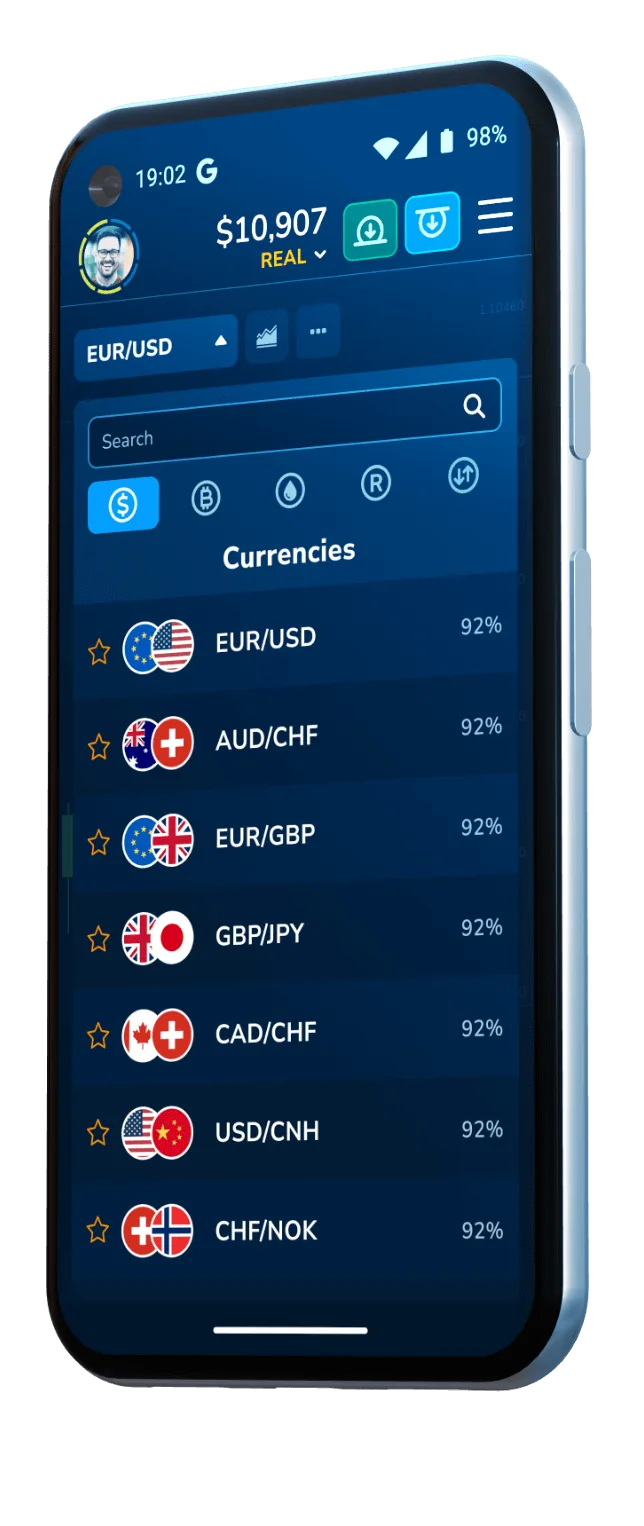
Where would you like to start?
Jump straight to the guide you need.
Pocket Option by the numbers
Cross-checked against the official pocketoption.com wherever we could. Anything that shifts by region is worth confirming inside the app for your own country.
How to become a trader
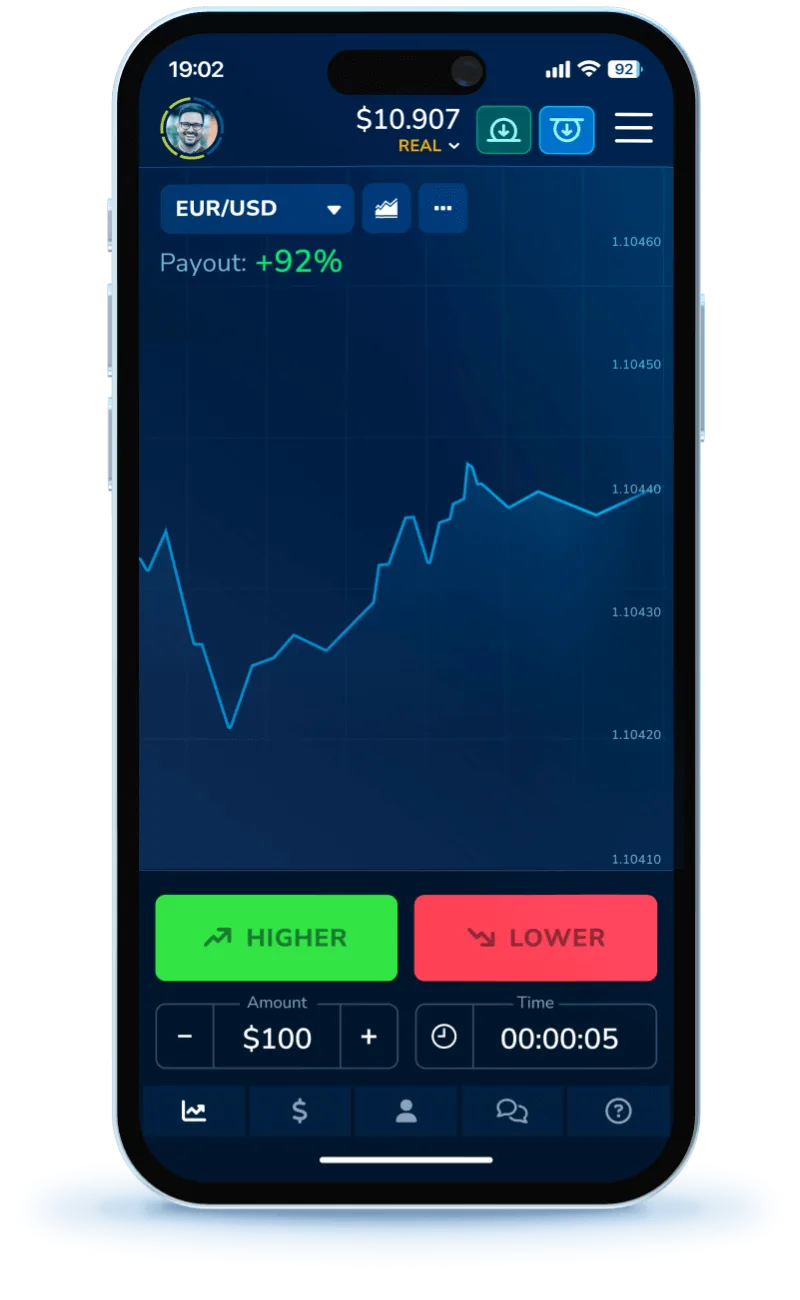 Free demo Copy trading From $5 0% platform fee
 - 1 Register an account
It takes about a minute — sign up with an email address or your Google login.
- 2 Warm up on the demo
The free demo tops itself back up, so you can rehearse with virtual money and no real risk.
- 3 Add funds from $5 (optional)
Switch to a real balance only once you're comfortable, and never stake money you'd hate to lose.
- 4 Mirror other traders
Social trading lets you copy others' positions, but their losses become yours too — the risk stays.
- 5 Place trades & cash out
Work across 100+ markets and pull your balance out with no platform commission taken.
Best trading conditions
Currency pairs, indices, shares and cryptocurrencies in one place.
A free practice balance you can refill whenever it runs low.
Pick a trader to shadow — their risk carries over to you.
Quick, express and pending orders let you trade on your own timing.
Optional tournaments and tasks that hand out bonuses (terms apply).
The same clean layout across web, Android, iOS and desktop.
Ways to pay
More than 50 global and regional options handle both deposits and cash-outs. Which ones show up, and how long they take, depends on where you are.
Regional rails such as UPI, M-Pesa, MTN, easyPaisa and bKash cover traders in India, Nigeria, Pakistan and Bangladesh. Check which apply to you inside the app.
Frequently asked questions
How do I log in to Pocket Option?
Head to the official Pocket Option site or app, type in the email and password from sign-up (or tap the Google/Facebook button), clear 2FA if you switched it on, and the traderoom opens. Remember this page is just a guide — the actual login lives on Pocket Option's own site.
How do I open a Pocket Option account?
Signing up costs nothing: from the official site or app, register with an email or a Google/Facebook account, agree to the client terms, and a free demo is waiting straight away. Cashing out later means passing identity checks (KYC) first.
How much do I need to deposit?
Expect a real deposit to start at from us$ 5 (varies by region and payment method), though the exact figure shifts with your country and chosen payment method. The demo, meanwhile, costs nothing at all.
Is the demo account really free?
Yes — the Pocket Option demo runs on virtual money with no deposit attached, which makes it the sensible place to find your feet before any real cash is on the line.
Can I trust Pocket Option with my money?
It's a long-running platform with a large user base that normally pays verified accounts. That said, it sits offshore with no tier-1 regulator behind it and the product itself is high risk, so most retail traders end up losing. Several regions are excluded too, including the USA, UK, EEA and Brazil.
What's the process for withdrawing?
Finish your KYC checks first, then send the withdrawal back to whichever method you funded with. Hold-ups almost always trace to unfinished verification, mismatched methods, or a bonus that still has rollover to clear.
Open a free account
Begin on the no-deposit demo. Sign-up happens over on Pocket Option's official site — this page simply sends you there.
Opens the official Pocket Option site in a new tab.